OFFICIAL Written by GPN · Nov 5, 2026, 10:00 AM ET · Xbox Cloud Gaming · Gaming
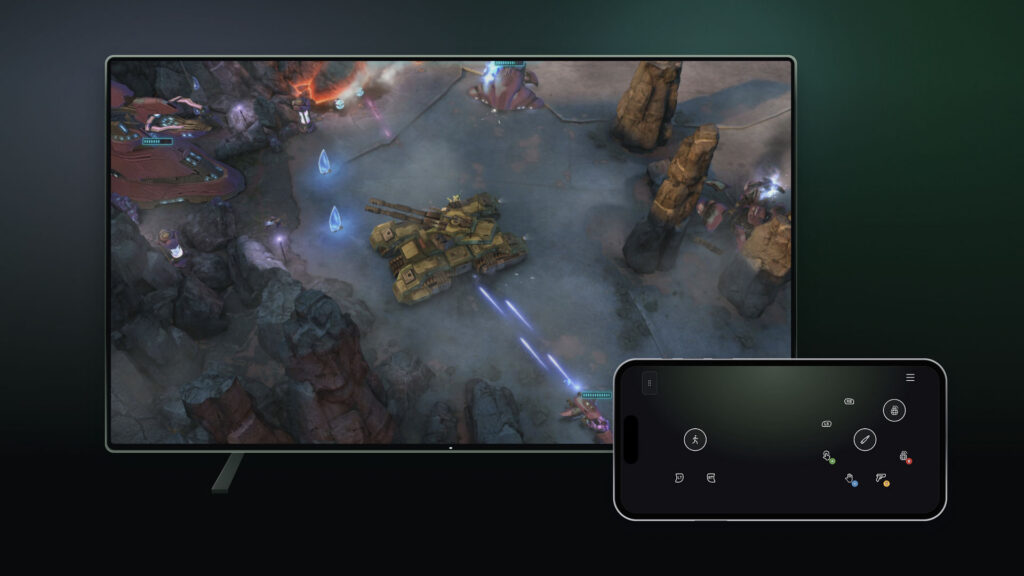
Xbox is testing two new ways to play its cloud games, and both previews start rolling out today. The first lets you use your phone as a controller; the second connects a new controller straight to the cloud over Wi-Fi.
If you want to play a cloud game on a supported Smart TV but have no controller nearby, the phone-as-controller preview turns a supported Android or iOS phone into the pad. The controls open in the phone's browser, so nothing extra needs installing, and some games get controls shaped around how they play. To try it, switch on Preview Features under Settings, then Account, in the latest supported Smart TV experience, and the option appears when you launch a game without a physical controller connected. The preview is rolling out today on supported TVs wherever Xbox Cloud Gaming is available.
The second preview is for players in the US with the new Xbox Nano Controller. Cloud connect links the controller over Wi-Fi directly to the cloud server running the game instead of going through Bluetooth to the TV, which Xbox says can cut input latency and make play feel more responsive. It is still an early test, so it works on supported Smart TVs and the web for now, and not with every cloud gaming experience yet. Setting it up needs the Xbox beta app on Android or the Xbox Accessories app on PC, with Xbox Insider enrollment required for the PC route. Both previews are live tests, and Xbox is asking players to send feedback through the preview experience to shape what comes next.
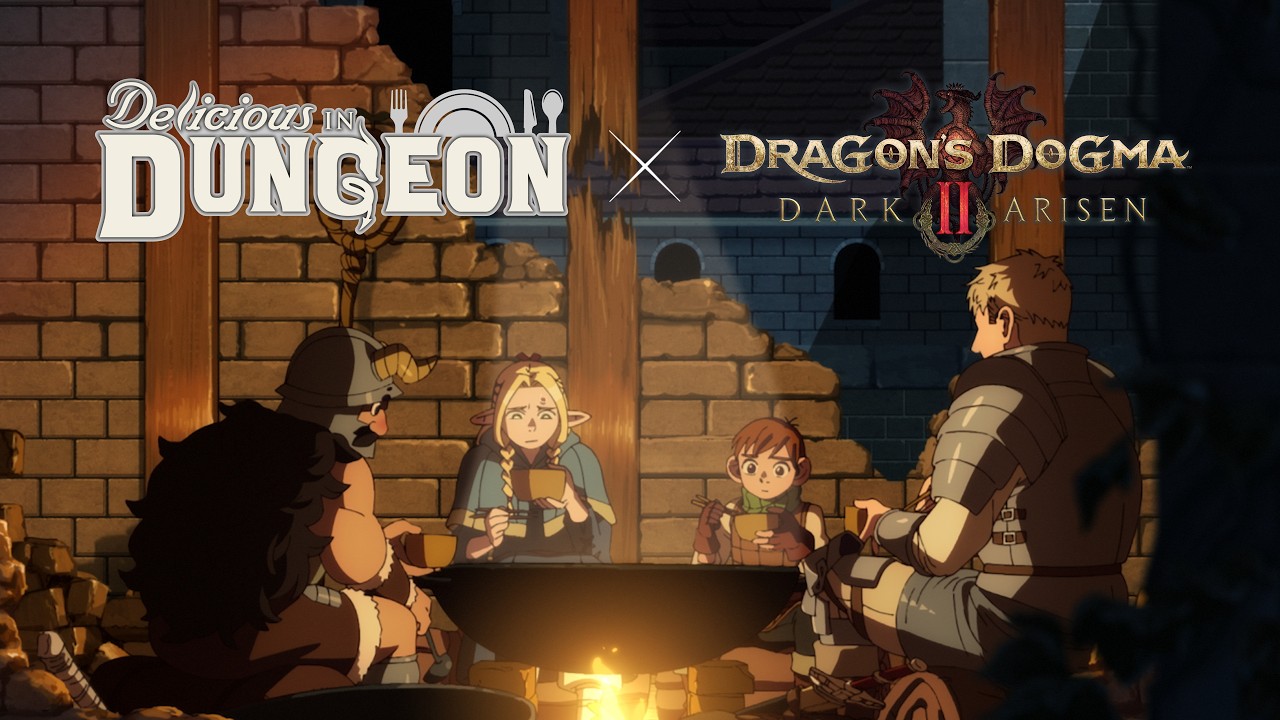 Delicious in Dungeon cooks up a Dragon's Dogma 2: Dark Arisen crossoverDragon's Dogma 2: Dark Arisen · Gaming
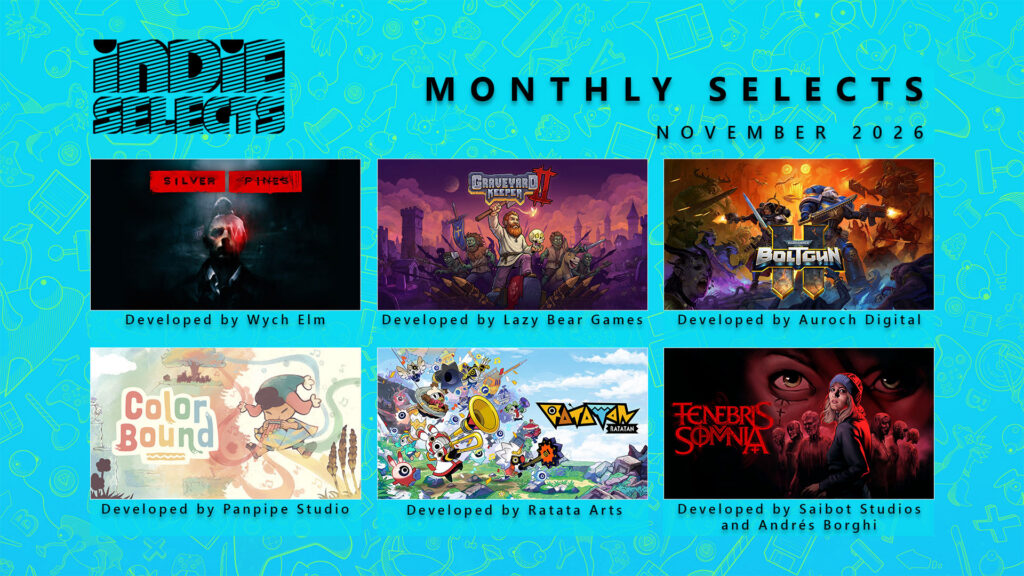 Xbox's November Indie Selects: six picks to survive and thrive, led by Silver Pines and Graveyard Keeper 2Xbox Indie Selects · Gaming
 Call of Duty: Modern Warfare 4 tops PlayStation Store's October downloads in the US and EuropePlayStation Store · Gaming
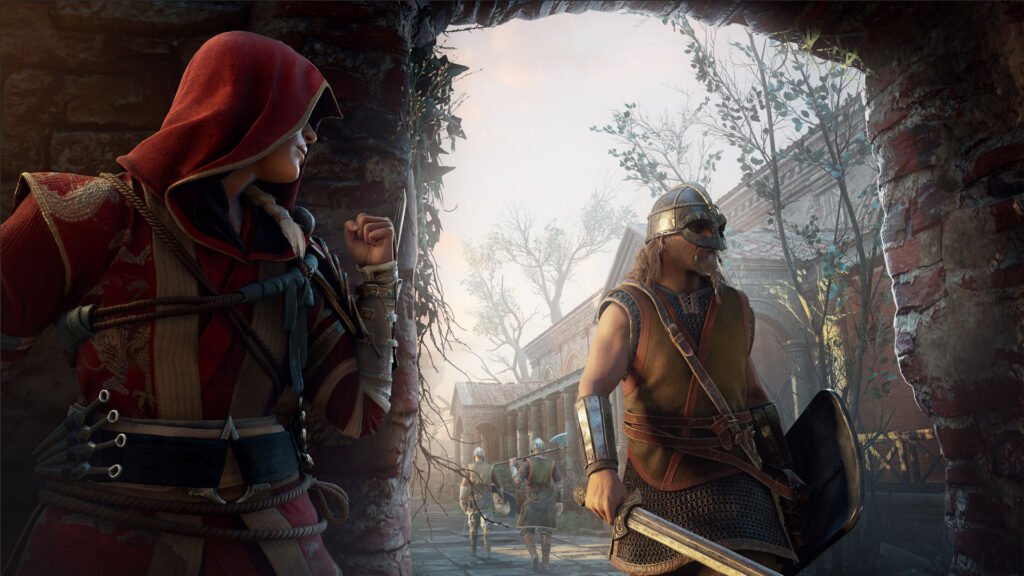 Assassin's Creed Valhalla gets its most requested update: New Game+ lands todayAssassin's Creed Valhalla · Gaming