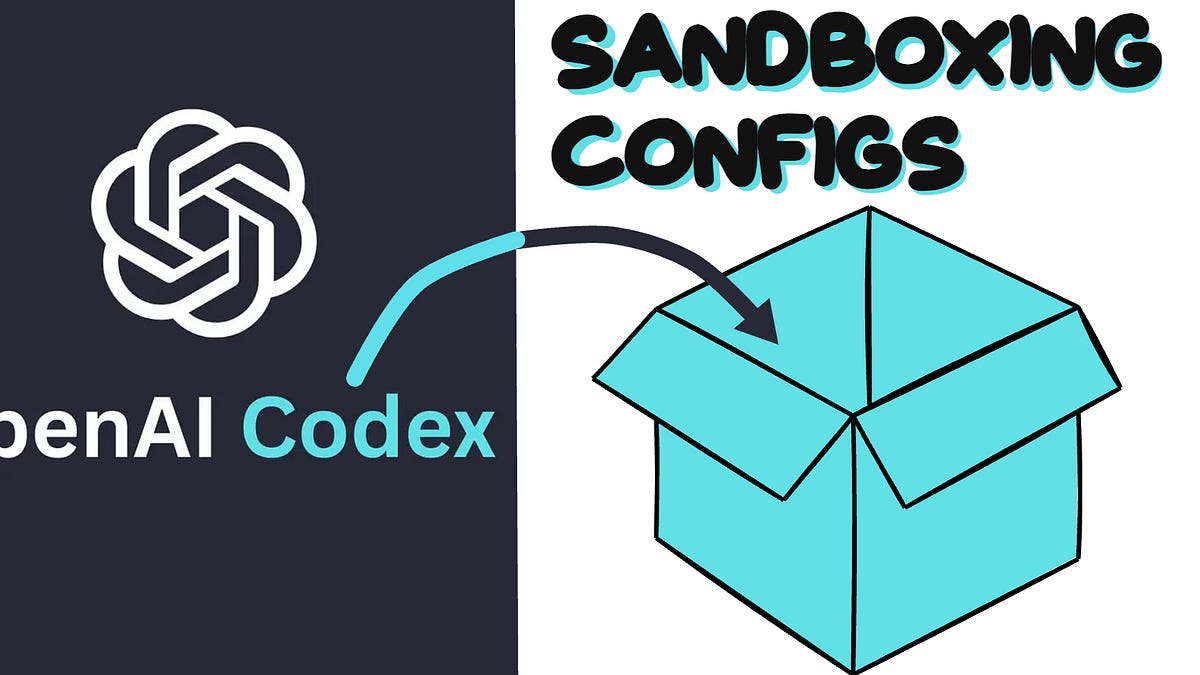
Codex runs commands on your machine, but OpenAI says it does so inside a sandbox with limits you control. In an engineering post published on November 18, the company explained how that sandbox works, from the default profile most people will never change to the operating-system tools that enforce it.
The default profile, called :workspace, keeps writes inside your project workspace and treats .git and .codex as read-only, while allowing broad reads elsewhere on the machine. Network access is disabled by default. For cases where a command needs the internet, permission profiles in config.toml can allow it in three ways: fully, not at all, or through a proxy that restricts access to a set of hosts. OpenAI's example allows api.openai.com while blocking openai.com itself.
Under the hood, the sandbox relies on platform-level isolation rather than trust alone. On macOS it uses Seatbelt, on Linux it uses bubblewrap with a seccomp-bpf filter, and on Windows it is moving to Microsoft MXC. The point, OpenAI says, is defense in depth: even a program that tries to escape its limits runs into another layer.
The sandbox is also available as a standalone tool. The codex sandbox command can run any command under a chosen profile, which lets developers sandbox servers and other tools that Codex connects to. The sandboxing is on by default and needs no setup, so the protections apply whether or not a user ever opens the configuration.